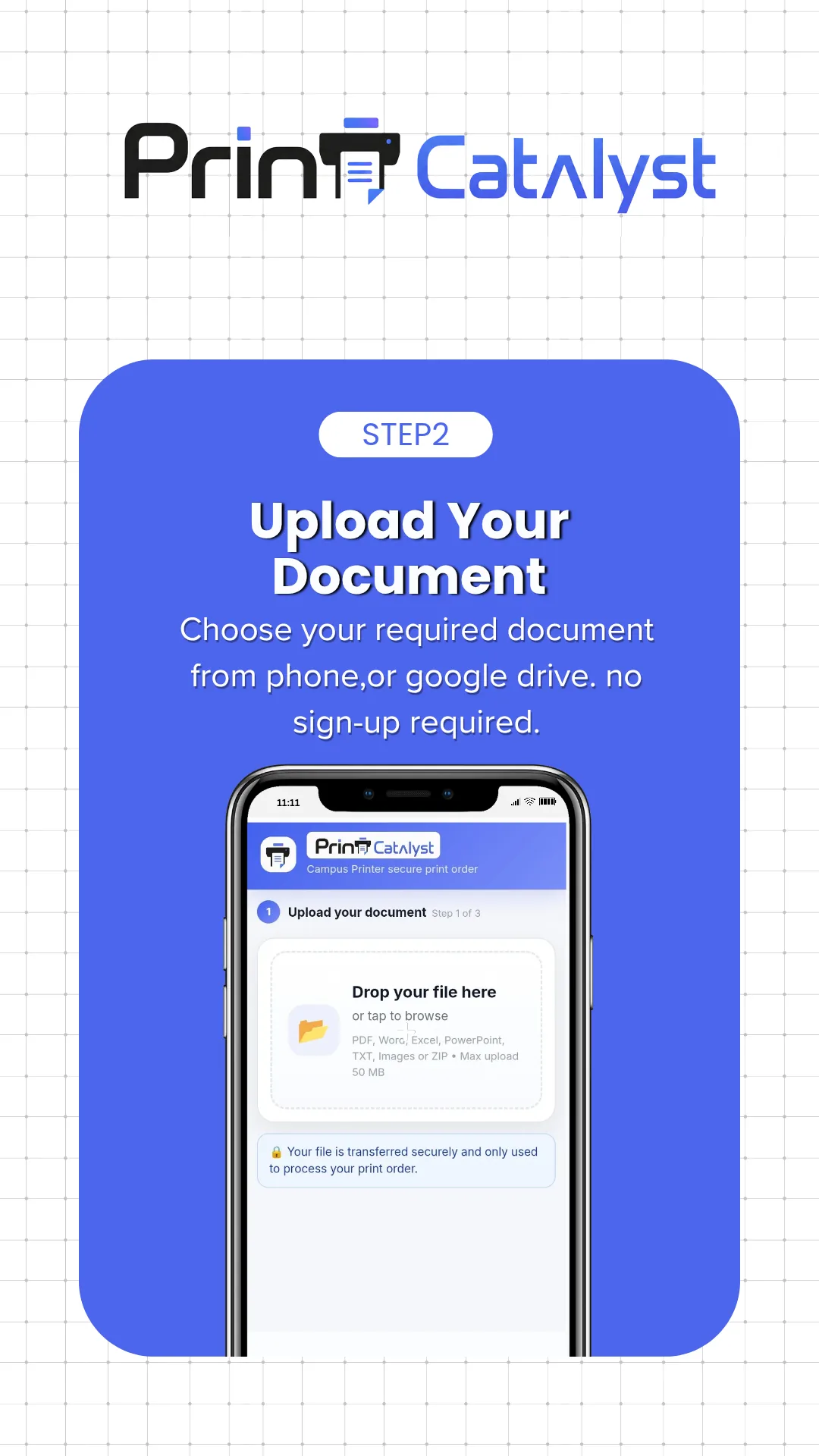
1. Send files
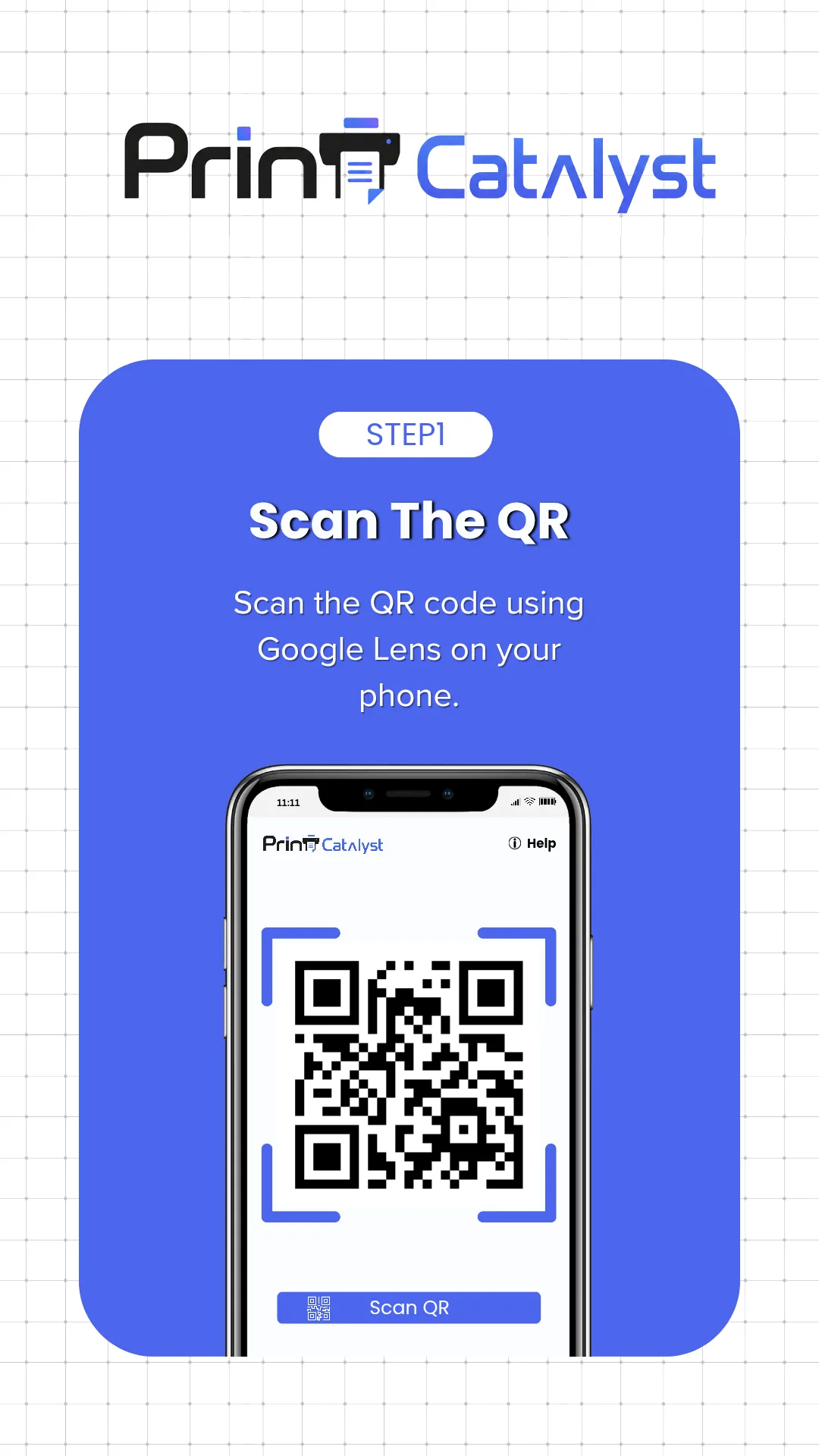
Customers scan your shop QR code or send documents to your connected WhatsApp number.
From customer files to a confirmed order, in four steps.
Customers scan your shop QR code or send documents to your connected WhatsApp number.
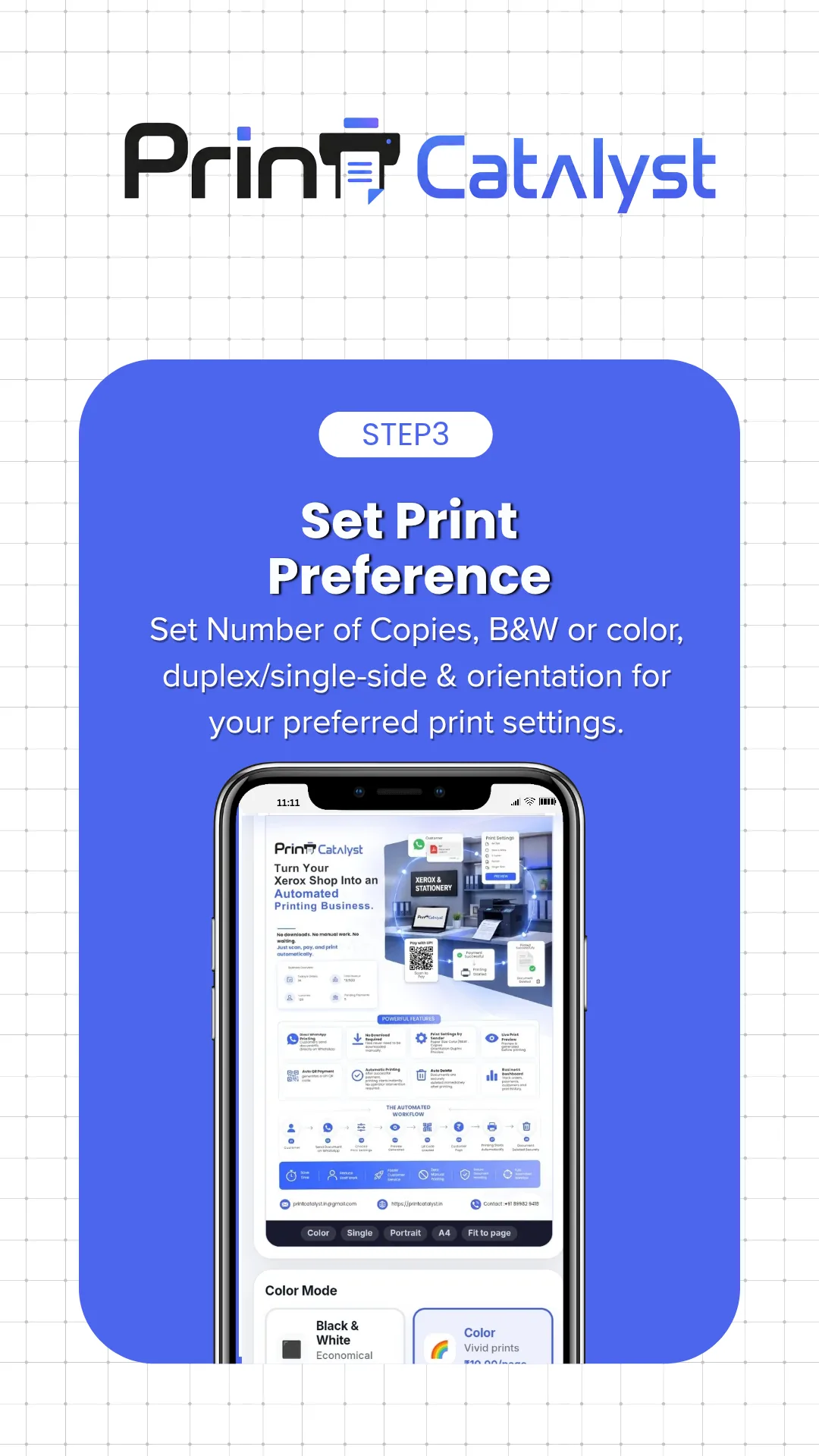
Customers select from your available paper, colour, side, page and copy options.
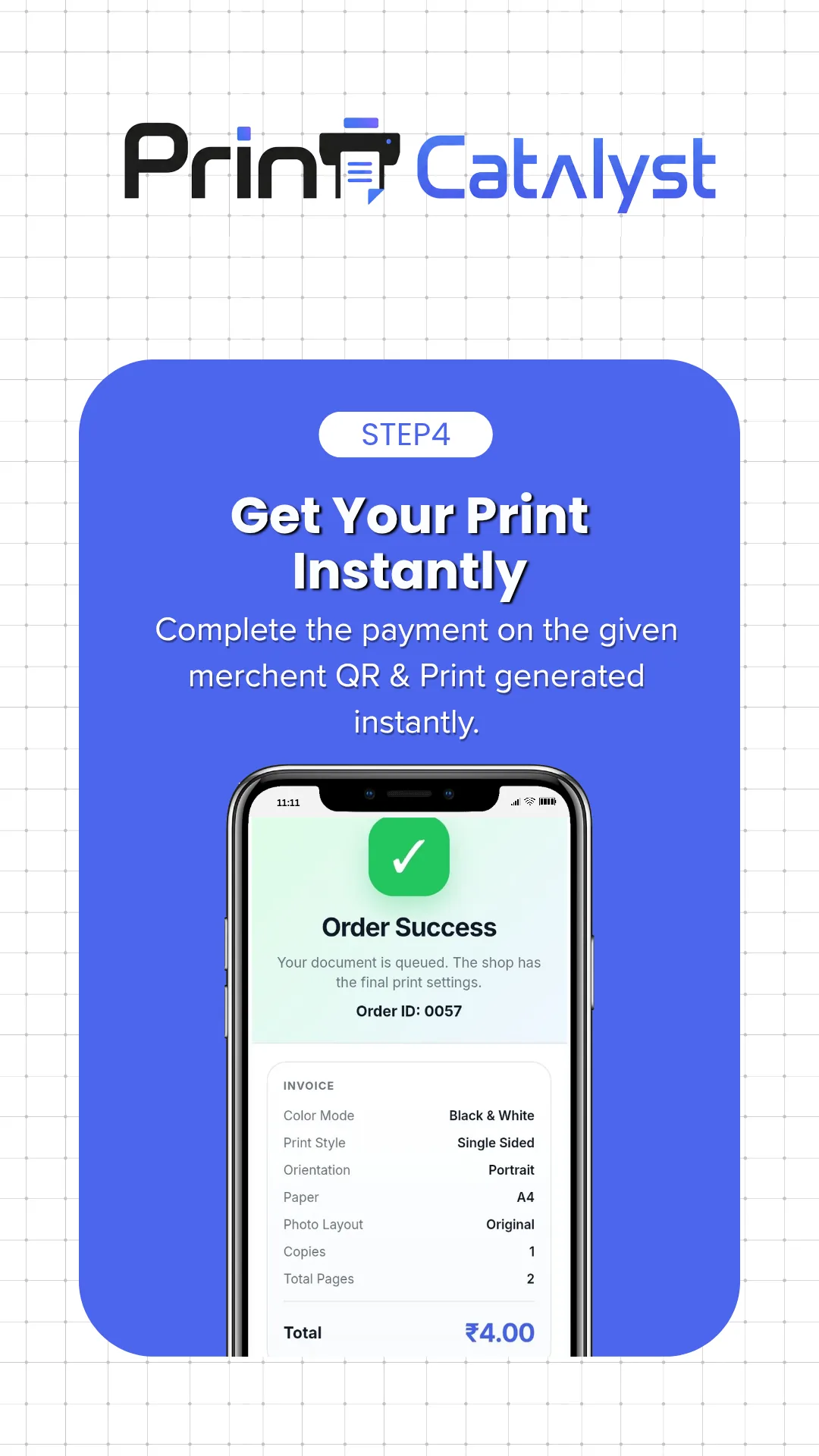
Your rates calculate the total. Customers review and confirm the order, with online payment where enabled.
Review the order or use an eligible automatic printing mode. Print through a compatible connected printer.
Yes. Choose manual review or an automatic printing mode available in your plan and shop configuration.
Your shop computer runs the desktop app and connects compatible installed printers. QR and WhatsApp ordering depend on the services enabled for your shop.